Copilot Credit Tracker: Visibility for AI Usage Inside VS Code
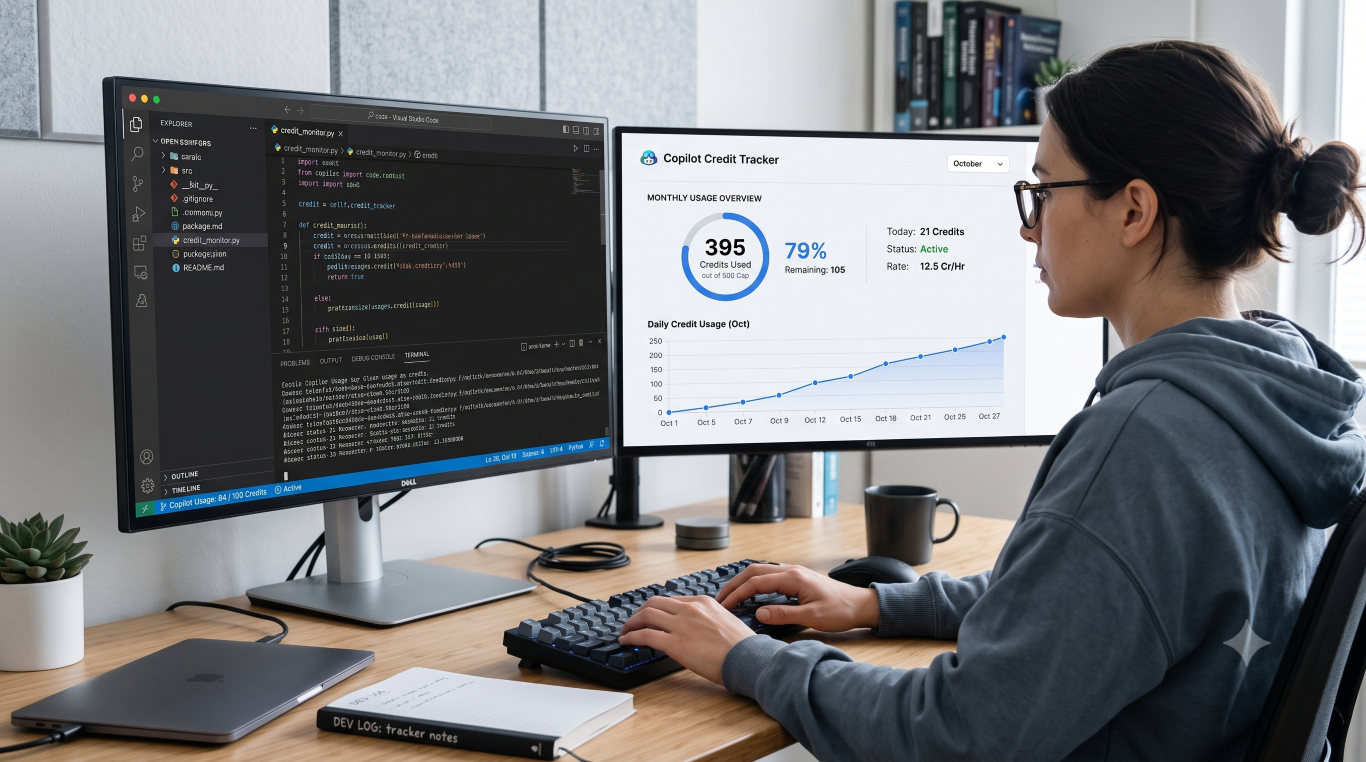
A simple VS Code extension that helps developers track Copilot credit usage before it becomes a surprise.
A simple VS Code extension that helps developers track Copilot credit usage before it becomes a surprise.
GitHub repo: https://github.com/0RuiAlvel0/copilot-credit-tracker

This is what you get: a comparison between the amount of token credits vs where you are in the month. Ideally you want one to be like the other.
GitHub Copilot is becoming a normal part of day-to-day development, but one problem remains easy to ignore: most developers do not have a clear view of how quickly they are using their monthly AI credits. Copilot Credit Tracker was built to solve that problem inside VS Code, where the work actually happens.
Instead of checking usage manually on external pages, the extension adds a status bar indicator that shows how your credit usage compares with how much of the month has already passed. That makes the data more useful. It is not just about seeing a number, but understanding whether your current pace is sustainable.
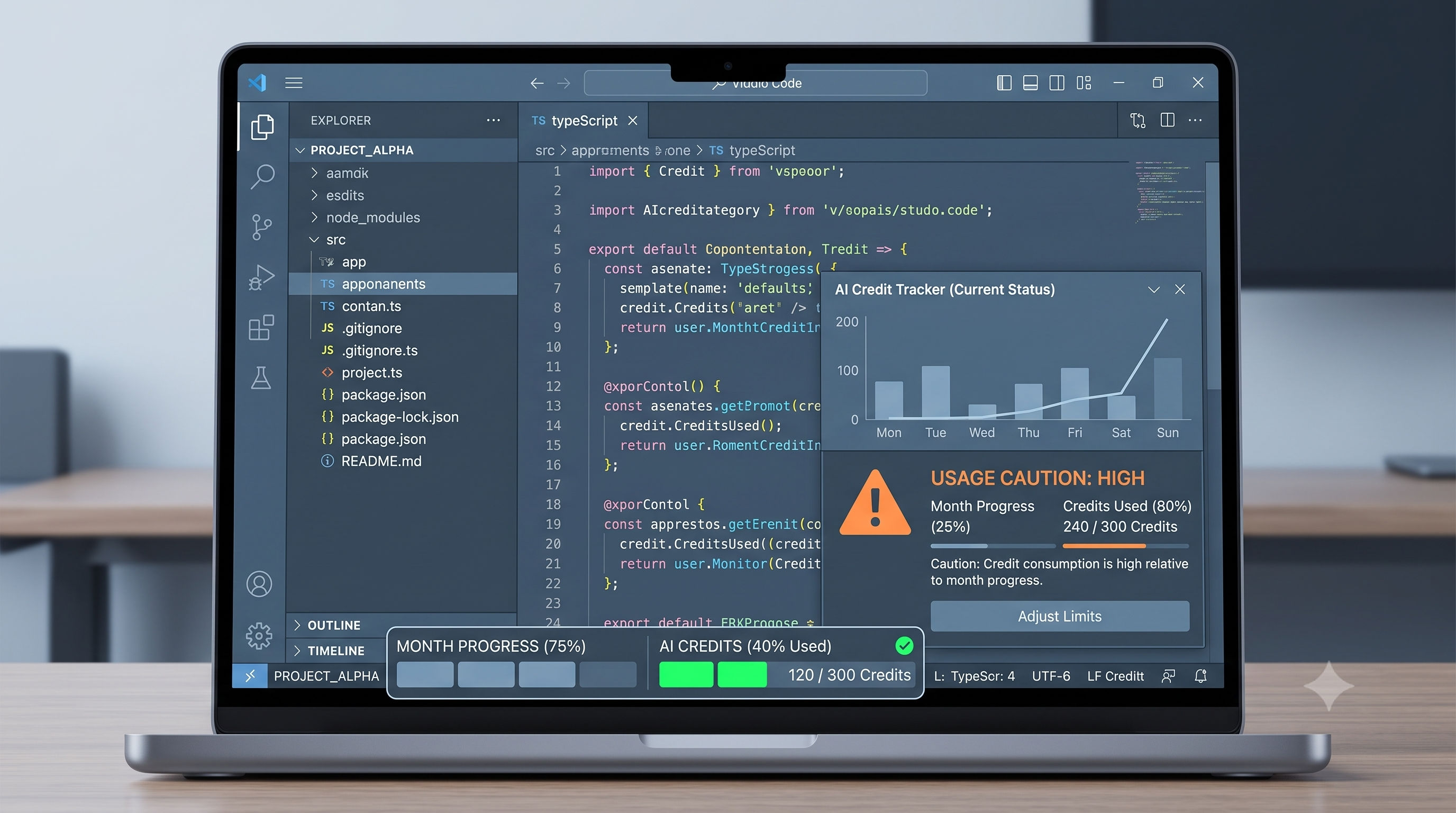
Not as intelligent as this but you get my drift.
The extension also includes a detailed panel with a model-by-model usage breakdown. That gives developers a clearer picture of where credits are going and helps them make better decisions about how they use AI tools during the month.
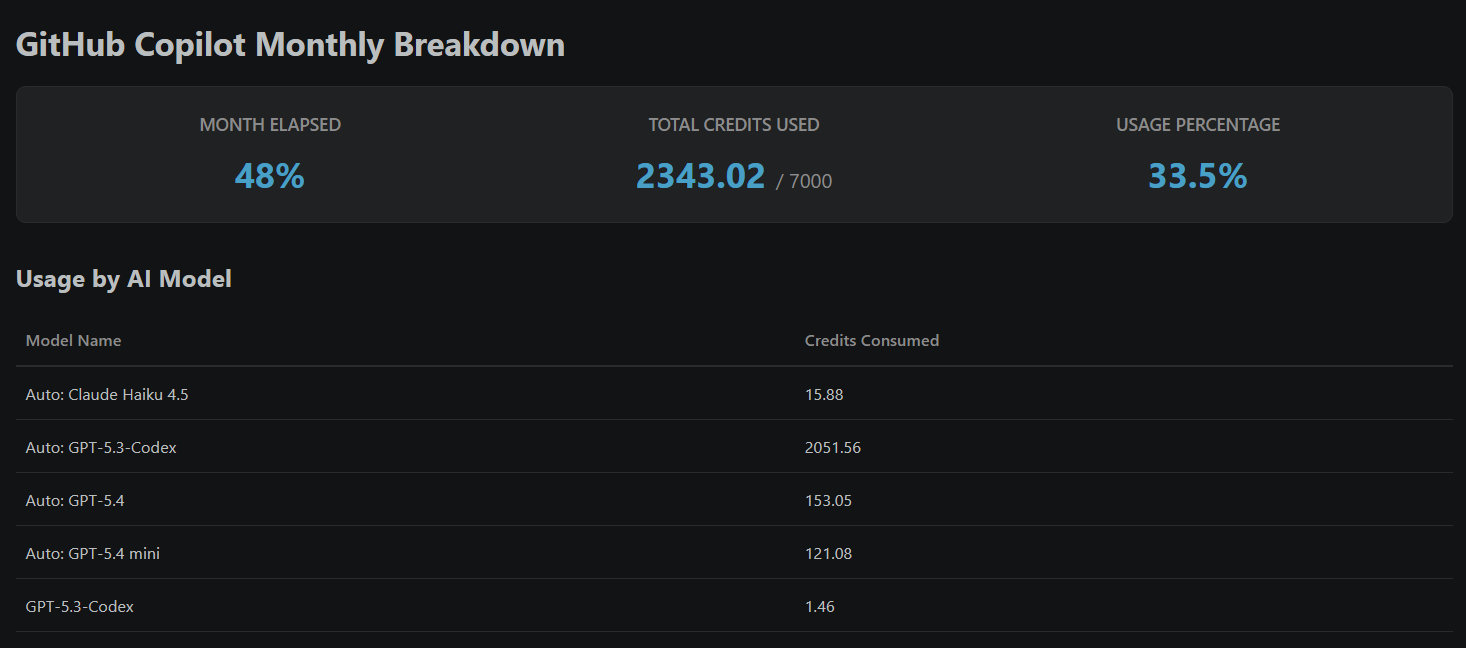
This is actually what you get when you click the extension text.
The biggest benefit is visibility without workflow interruption. You stay inside VS Code, keep your focus, and still get a practical signal about whether your usage is on track or running ahead. For anyone who uses Copilot regularly, that kind of awareness can help avoid surprises, improve planning, and make AI usage more intentional.
Copilot Credit Tracker is useful because it treats AI usage like any other engineering metric: something worth monitoring in real time. It is a small extension, but it solves a real problem by giving developers immediate insight into cost, pace, and usage behavior without leaving the editor.